 Orientyr
: navigation without GPS
Keeps you on the road even when GPS or the internet drops. And for every day — offline maps of all of Ukraine.
 Android — coming soon
Don't lose your bearings.
Free · iPhone with iOS 15 or later
Now on the App Store — installs in one tap. The app itself is in Ukrainian and covers Ukraine. Steps are below.
Who it’s for
For drivers tired of navigation apps getting lost exactly when they’re needed most.
 GPS comes and goes
The signal drops mid-trip, and a typical navigation app freezes or jumps somewhere else.
 The map shows the wrong place
You’re driving downtown, but the map puts you at the airport or in another city. Orientyr doesn’t follow that signal.
 Roads without coverage
A highway with no internet, where you still need a route, address search and speed cameras.
What Orientyr does
What you’ll notice on your very first trip.
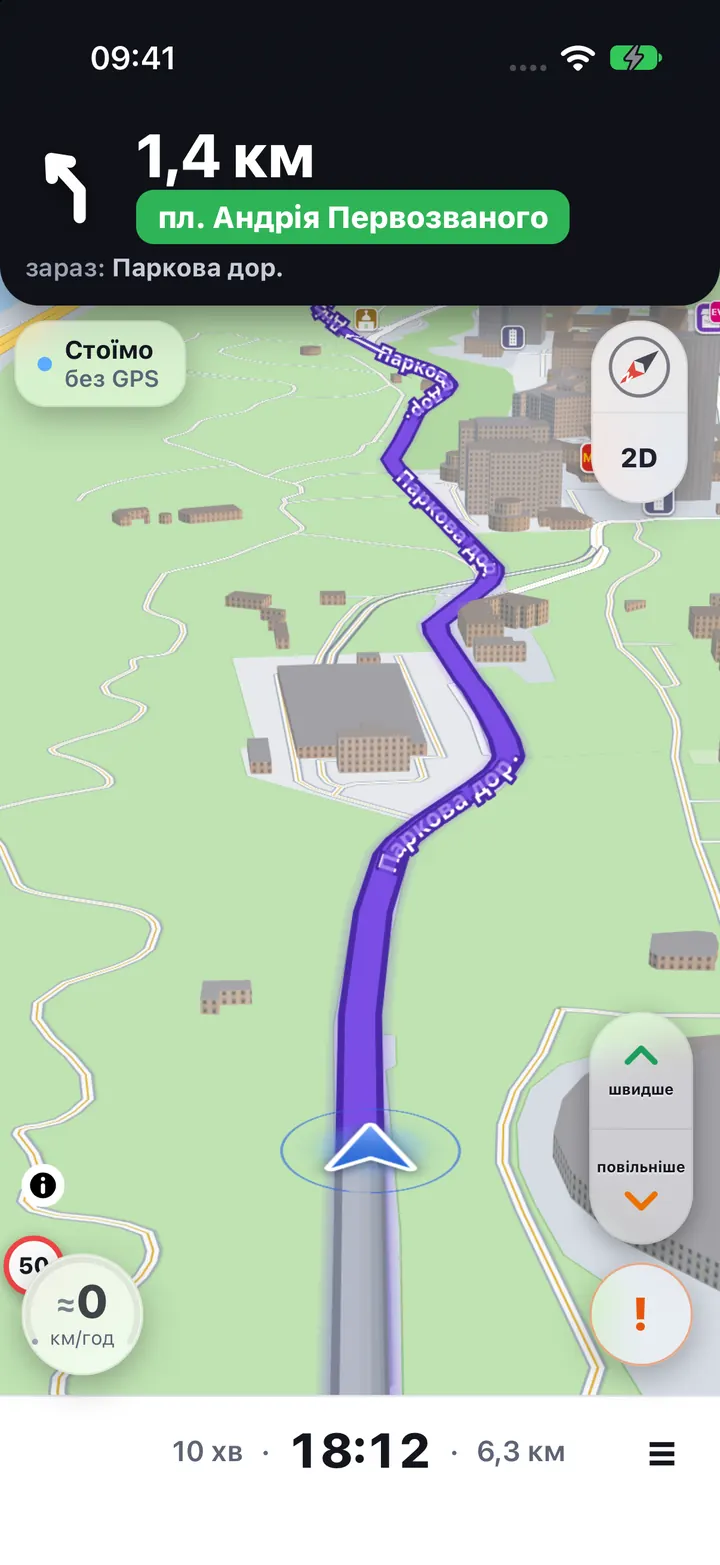
 Guides you when GPS is gone
The arrow keeps moving along your road, and turn prompts don’t disappear.
 Doesn’t jump with a false signal
If GPS suddenly shows another place, Orientyr notices and keeps you on your road.
 Offline maps
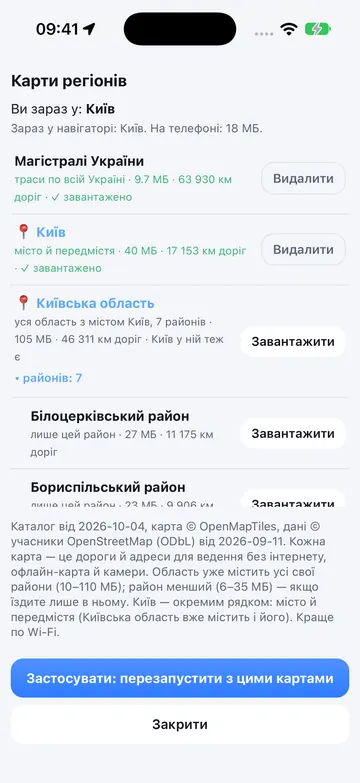
All of Ukraine, by region and district. Routing, address search and cameras work without a connection.
 Traffic, cameras, reports
Speed camera warnings, traffic jams and reports from other drivers: crashes, hazards, closures.
 Easy to correct
Arrow lagging or running ahead? Tap “faster / slower”, or double-tap the map where you are.
 No account, no ads
No sign-up. Trip and search history stay on your phone only.
Screenshots
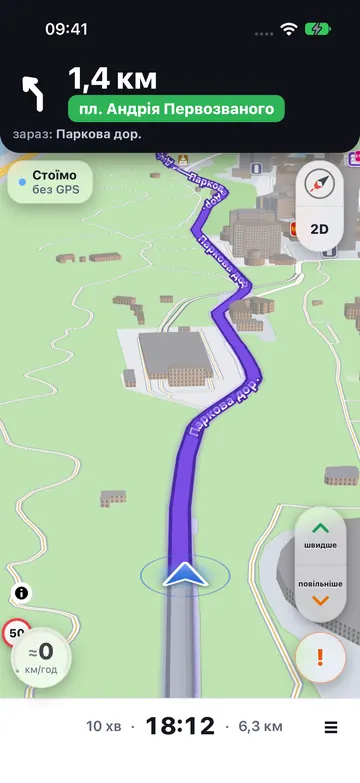
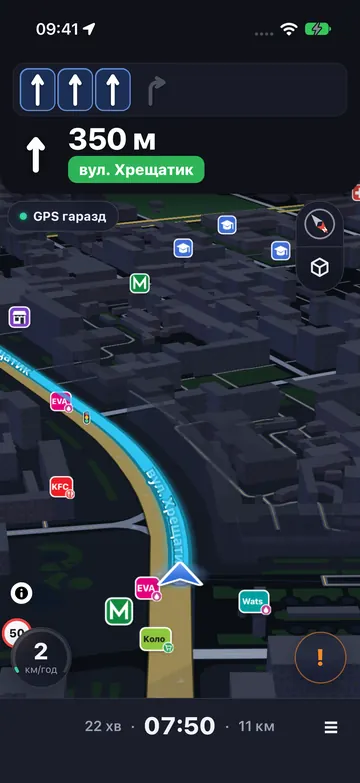
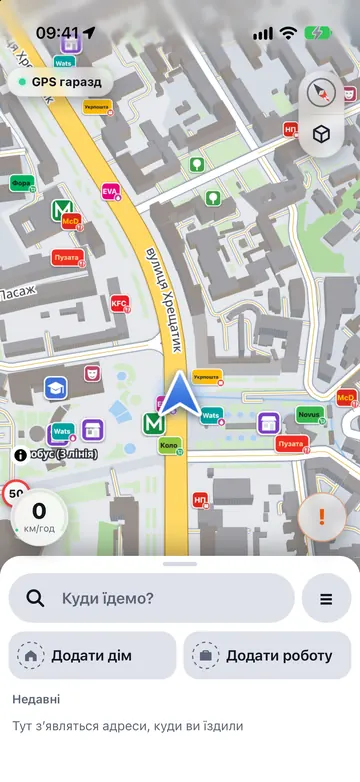
From an iPhone, Ukrainian interface.
How to install on iPhone
Takes a minute. You need an iPhone with iOS 15 or later. Orientyr itself has no sign-up — no email, no password.
- Tap “Download on the App Store”. Orientyr’s App Store page opens.
- Tap “Get”. Done: Orientyr is on your Home Screen.
Want to try new things first? Stay in TestFlight. TestFlight link
Google Play — coming soon
Questions and answers
How does Orientyr navigate when GPS is gone?
When the signal drops out or points to the wrong place, Orientyr notices and keeps moving the arrow along the road using the phone’s sensors and the road map already stored on the phone. When GPS is reliable again, the position is corrected automatically.
Does it work when GPS is jammed or spoofed?
Yes, that is exactly what we build it for. If GPS is lost, the arrow keeps following the road. If GPS suddenly shows another city or an airport, Orientyr doesn’t jump there. A position without GPS is an estimate, not magic: over time it can drift a little, so there are “faster / slower” buttons, and you can double-tap the map to show where you are.
Does it work offline?
Yes. Download the map of your district, region or all of Kyiv while online, and routing, address search and speed cameras work without a connection. Outside downloaded areas routes are built online.
Where does it work?
Maps and search cover all of Ukraine. Without GPS Orientyr is most accurate where many drivers have already travelled — currently Kyiv and its surroundings.
Is the app in English?
Not yet — the interface is in Ukrainian.
I’m on TestFlight — what should I do?
Want to try new things first? Stay in TestFlight. For everyday trips, and to leave a review, install from the App Store.
Do I need to sign up?
No. Orientyr itself has no sign-up — no email, no password. An Apple ID is only needed by the App Store to install the app.
Is there an Android version?
Only iPhone for now. We are already testing the Android version on the road; it will come to Google Play. News — on Instagram and Threads.
What data does the app collect?
No accounts, no ads. Trip and search history stay on the phone. Without separate consent the app sends only traffic and the reports you post yourself — with no name and no account. Everything else only if you agree. Details are in the privacy policy.
How much does it cost?
Orientyr is currently free, with no ads and no sign-up.